Interactive tutorial · no sign-in
Take an architectural brief from site to design.
Prefig helps architects turn a project brief into traceable early design decisions, with AI options for concepts, massing, materials and presentation that you review and approve.
Follow Assos Field School from its brief and site through ten design stages. Use the real Workflow, Canvas and Studio, then practise branches, revisions and a presentation with prepared results.
A location supplies context; a drawn boundary makes placement and site-fit questions explicit. Compare visual directions, develop a 3D model or continue with images, and keep alternatives on separate branches. The course explains what each choice changes.
 Loading image…
 Loading image…
 Loading image…
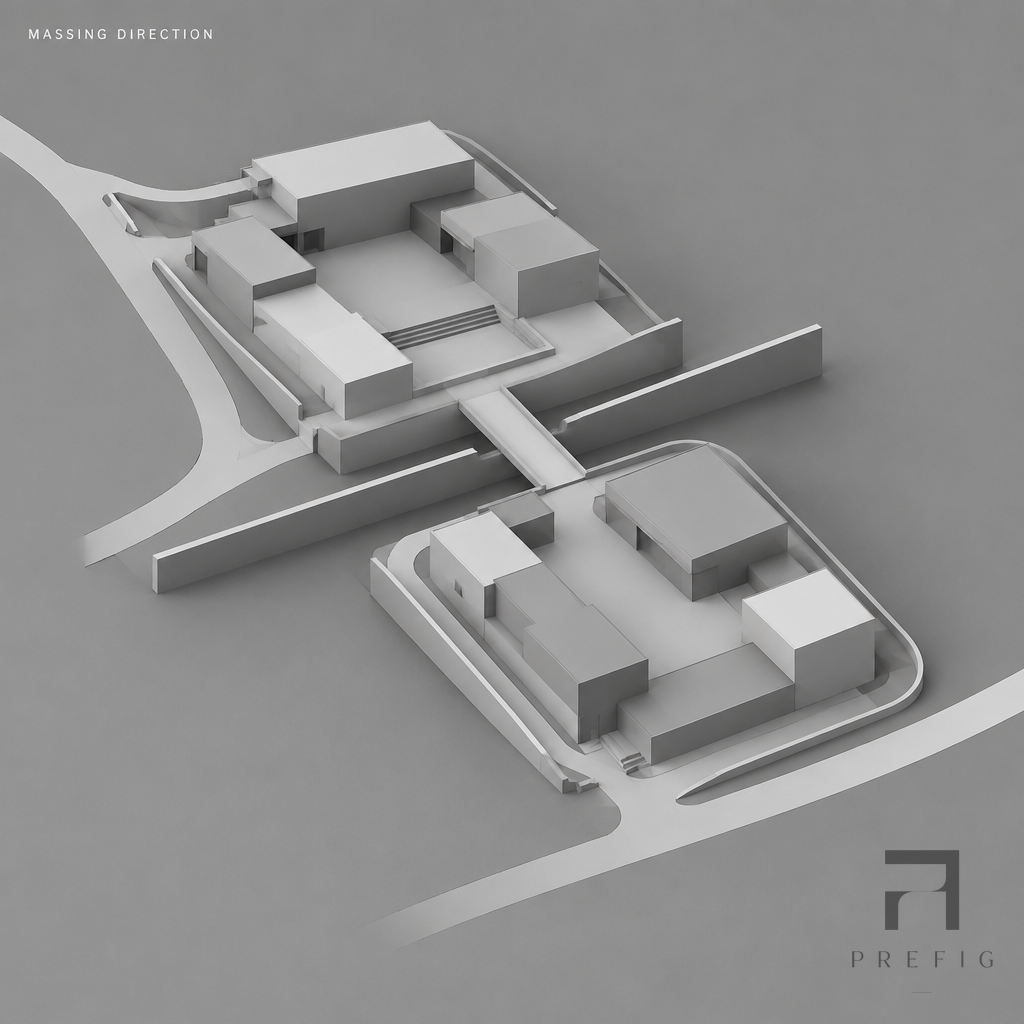
Original prepared project outputs. The tutorial also shows their unresolved design checks.
Full guided practice · all capabilities
Start with the project brief
The scenario is supplied. Learn its actual controls step by step; your practice stays on this device.
Start tutorialAllow about 35–50 minutes, at your pace. You can pause and resume, hide the guide or replay unlocked stages. Extra practice chapters can be skipped after the main stages.
Restart returns to the first brief step after confirmation.
Quick overview · saved results
See what Prefig can do first.
Explore ten highlights in the same workspace, including 3D, materials, diagrams and the presentation. This read-only route leaves your guided practice intact.
Explore saved resultsAllow about 5–10 minutes. Both durations are planning estimates; no timer limits your visit.
Your route through the project
- 01
Brief, site and concept
- 02
Massing and 3D
- 03
Materials and design story
- 04
Diagrams and visual studies
- 05
References and presentation
- 06 · extra practice
Branches, revisions and exports
- 07 · extra practice
Image-only and uploaded 3D paths
- 08
Finish and share
Prepared outputs are identified throughout the course. The public exercise uses a local copy; no account or credits are needed.